College GPA Calculator
Calculate your college GPA by entering your courses, letter grades, and credit hours. Supports the standard 4.0 scale and instantly shows your grade point average.
| Course Name | Letter Grade | Credits | |
|---|---|---|---|
Your GPA:
...
How to Use The College GPA Calculator
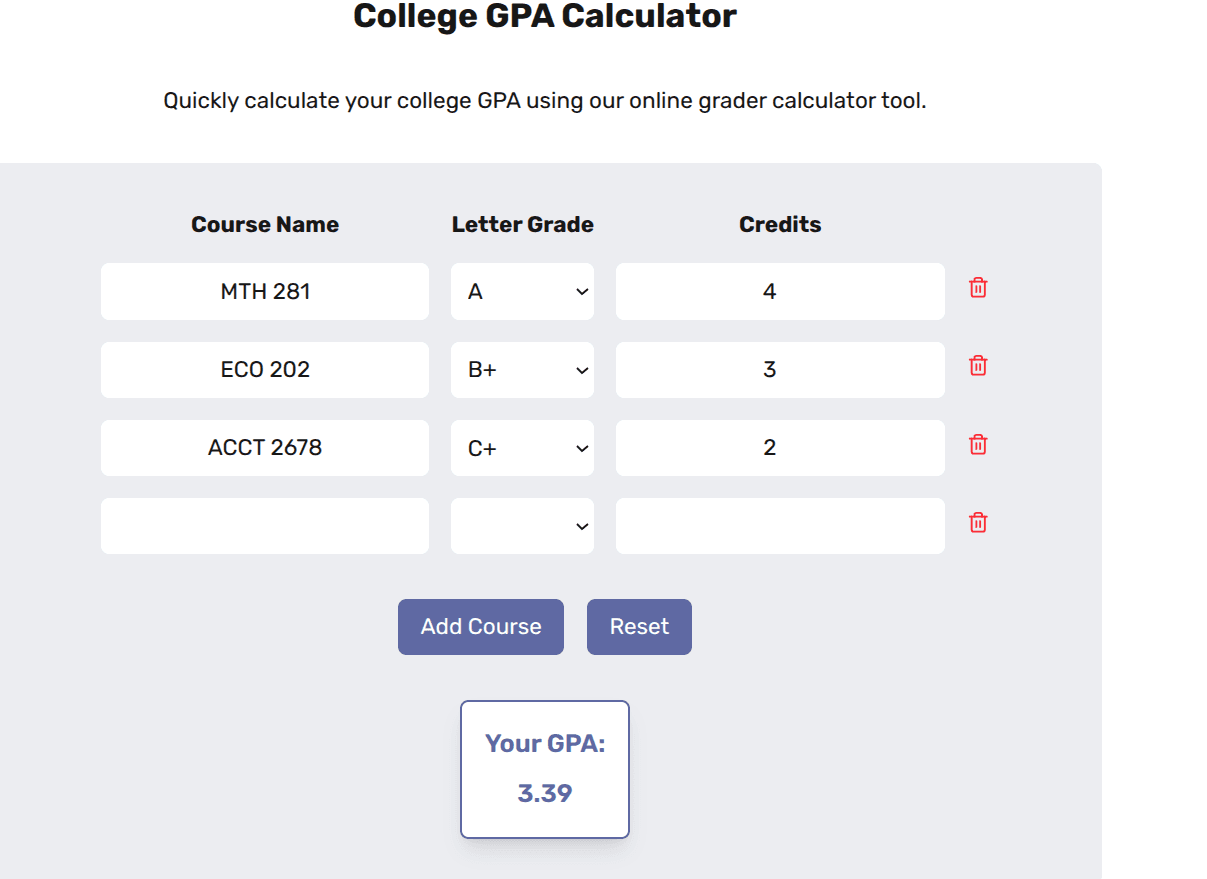
To find your college GPA, just enter each course you've taken, the letter grade you earned, and how many credits it was worth. Click Add Course after each one. Once you’re done, your GPA will appear at the bottom. If you want to start over, click Reset to clear everything and begin again.
How to Calculate College GPA
Your college GPA is based on your course grades and the number of credits each course is worth. While you can calculate it by hand using a simple formula, you don’t have to. Enter your information into our Semester GPA Calculator, and it does the math for you. Here’s how GPA is calculated behind the scenes:
1. List Your Courses
Start by writing down each course you've taken. You’ll need the course name, letter grade, and credit hours for each one.
2. Convert Letter Grades to Grade Points
Each letter grade has a grade point value. For example:
- A = 4.0
- A– = 3.7
- B+ = 3.3
- B = 3.0
- B– = 2.7
- C+ = 2.3
- C = 2.0
- C– = 1.7
- D+ = 1.3
- D = 1.0
- F = 0.0
3. Multiply Grade Points by Credits
For each course, multiply the grade point by the number of credit hours. This gives you the quality points for that course.
Example: If you got a B+ (3.3) in a 3-credit course:
3.3 × 3 = 9.9 quality points4. Add Up All Quality Points
Do this for each course and total them up.
5. Add Up All Credit Hours
Add the number of credits for all the courses you included.
6. Divide Total Quality Points by Total Credit Hours
Use this formula:
Semester GPA = Total Quality Points ÷ Total Credit Hours
Frequently Asked Questions
How do I calculate my college GPA with this tool?
To calculate your GPA, enter each course you've taken, select the letter grade you received, and input the number of credit hours. Click Add Course after each entry. When you're done, your GPA will appear automatically at the bottom. Use Reset to start over.
What grading scale does this GPA calculator use?
This calculator uses the standard 4.0 GPA scale, where: A = 4.0, B = 3.0, C = 2.0, D = 1.0, F = 0.0. It works for most U.S. colleges and universities. If your school uses a different system (like weighted or 5.0 scale), results may vary.
How do I enter my grades and credits correctly?
Enter the letter grade you earned in each course, input the number of credit hours for that course, then click Add Course. Repeat for each class. Your GPA updates in real time.
Can I calculate my cumulative GPA with this tool?
Yes. Simply include all courses from every semester you want to count toward your cumulative GPA. The calculator will average them based on total credit hours and grade points.
Why does my GPA change when I edit grades or credits?
Your GPA is calculated by dividing total grade points by total credit hours. Changing a grade or credit value alters this ratio, which updates your GPA instantly.
Is this college GPA calculator accurate?
Yes, it provides a reliable estimate based on the 4.0 scale. However, it's for unofficial use only. Always confirm your official GPA with your school’s registrar, especially if your institution uses a unique or weighted system.
Is this GPA calculator free to use?
Absolutely. This tool is 100% free, with no sign-up required. Use it as often as you like to plan your academic goals or track your progress.